Training Articles & Guides

Guides on training and managing virtual assistants. Learn how to onboard your VA, set expectations, build workflows, and maximize productivity.

Training Articles

Training

Can a Virtual Assistant Help Me With My CRM?

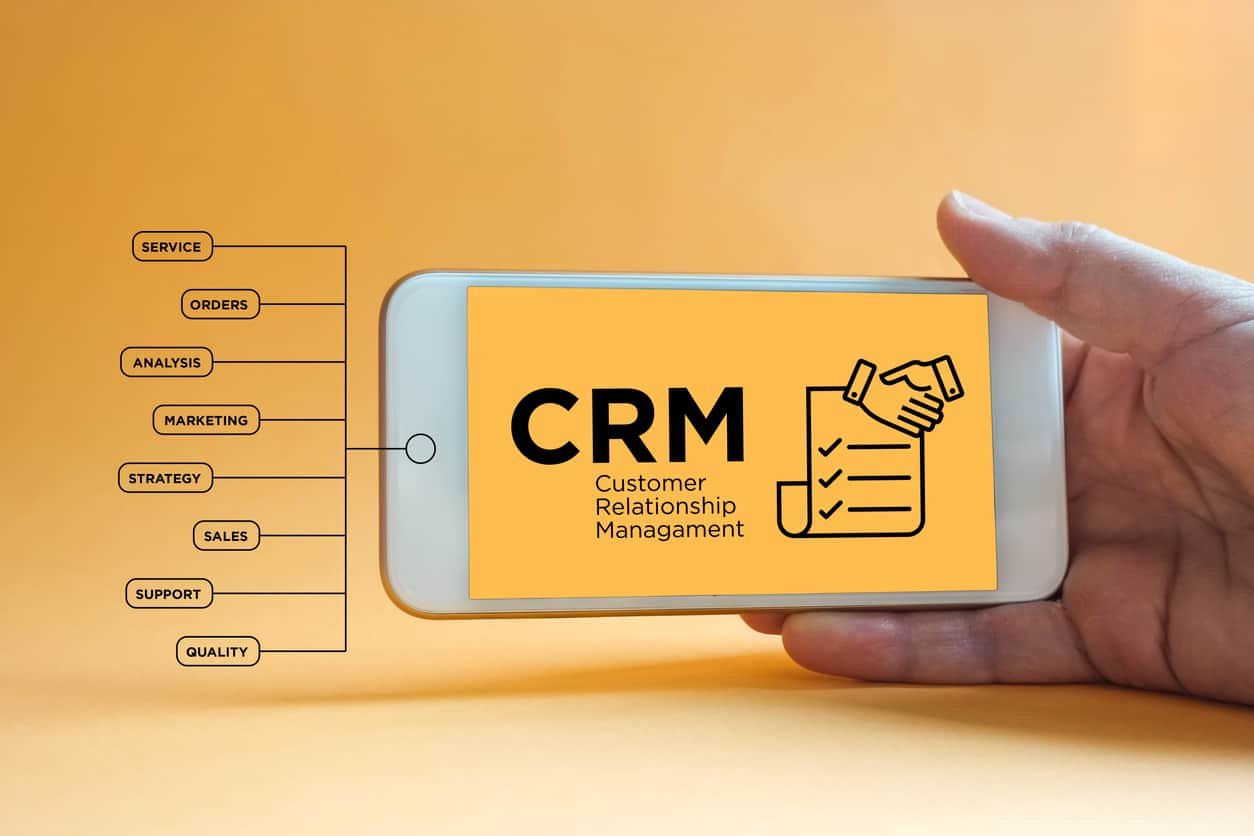
Unlocking the potential of your CRM can be a game-changer for maintaining customer relationships, yet its meticulous upkeep can be time-consuming. Tapping into the expertise of a virtual assistant can ensure your CRM stays optimized, leading to improved customer retention and cost savings. With MyOutDesk, find a tailored virtual assistant solution for your CRM needs, amplifying your business efficiency and customer relations.

Read more

Training

A Day In The Life: Virtual Assistants and You

How do you make it work? One of the most common questions regarding virtual assistants is about their schedule. Specifically for those VAs (virtual assistants) who live on another continent, and thus in a completely different timezone.

Read more
Training

Do It, Document It, and Delegate It to a Virtual Assistant

To delegate tasks effectively, businesses should systematize their processes, create detailed documentation, and choose a reliable person or virtual assistant to delegate to. Providing clear instructions, offering training, and utilizing technology can streamline delegation and increase productivity while regular communication and feedback can help maintain successful collaboration.

Read more
Training

How to Combine the Benefits of Zoho CRM With Virtual Assistants

We explain how combining Zoho CRM with virtual assistants can increase productivity: delegating tasks that VAs can handle like lead generation, data entry, email management, and customer follow-up; plus advice on integration and workflow management.

Read more
Training

How to Use Microsoft Teams to Manage Virtual Assistants and Teams

Microsoft Teams, introduced in 2017, is a collaborative tool that integrates seamlessly with Office 365, allowing professionals across various industries to work together efficiently. This platform is especially useful for integrating virtual assistants into teams, facilitating chat, video calls, and document sharing, ensuring smooth collaboration regardless of location.

Read more
Training

How to Use Slack Workspaces Alongside Your Virtual Assistant

Using Slack Workspaces can streamline communication with your virtual assistant. Ensure proper organization by creating dedicated channels, and use Slack integrations to automate tasks and track progress. Maximize your VA’s productivity by utilizing Slack’s built-in features like reminders, notifications, and file sharing.

Read more
Training

Solving Remote Reception – (New) Zoom Rooms Kiosk Mode

Zoom Rooms Kiosk Mode offers a safe way for office visitors to talk with receptionists. This article will list the best strategies and tactics to achieve and maintain success with this technology.

Read more
Training

Effective VoIP Communications Tools For Your Virtual Professional

Effective communication is vital for success when managing virtual staff, and the choice of communication platform plays a pivotal role in facilitating clear communication. While hiring a virtual assistant can greatly benefit your business, it requires established systems and processes to ensure its effectiveness. These systems and processes must be optimized to maximize efficiency. Fortunately, a wide range of communication systems are available, ranging from free services to more sophisticated options with additional features. It’s essential to select the one that best aligns with your business needs.

Read more